Authenticator App ProSecure Two-Factor Authentication
Free · No account needed · Works offline
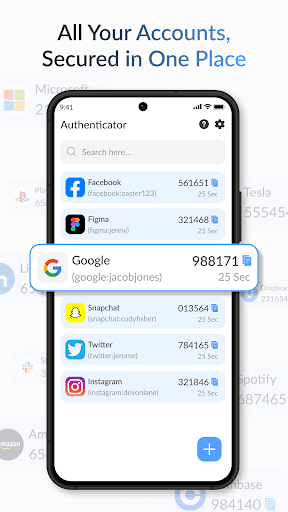
Protects your accounts across the services you already use
Everything you need to stay secure
Strong protection that stays simple — designed to keep your accounts safe without getting in your way.
Set up in under a minute
Three simple steps to add unbreakable protection to any account.
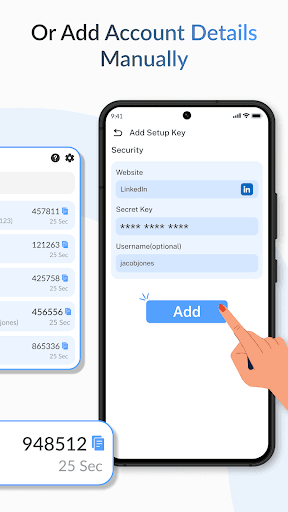
Add your account
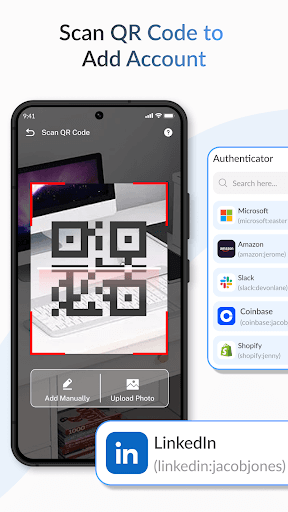
Open your service's security settings, choose authenticator app, and scan the QR code with Authenticator App Pro.
Get a 6-digit code
The app generates a fresh time-based (TOTP) code every 30 seconds — completely offline and in sync with the service.
Sign in securely
Enter the code when logging in. Even if your password leaks, your account stays protected by the second factor.
The app
Fast, private, and built for everyday use
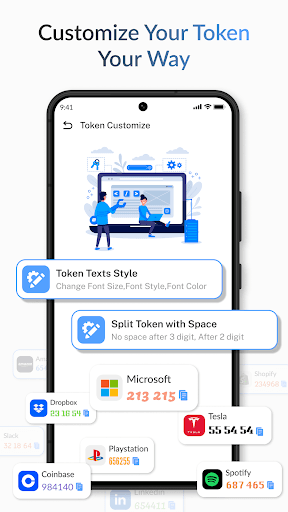
A clean, distraction-free interface that makes two-factor authentication effortless — no ads, no clutter, no compromises.
- Tap any code to copy it instantly
- Privacy mode hides codes until you need them
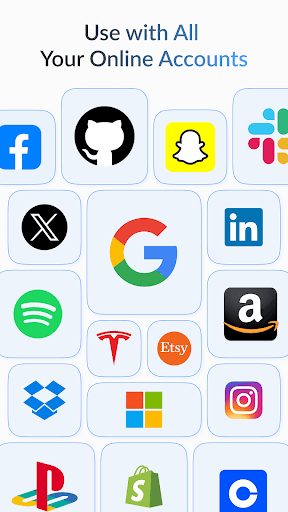
- Works with Google, Microsoft, GitHub and thousands more
- No ads, no tracking, no account required

Take a look inside the app
Real screens from Authenticator App Pro on Google Play.
Your data stays yours
We built Authenticator App Pro to be private by design. Here is exactly what the app accesses and why — nothing more.
Read the full details of how we handle your information in our Privacy Policy and Terms of Use.
View Privacy PolicyFrequently asked questions
Everything you need to know about protecting your accounts with Authenticator App Pro.
2FA adds a second step to your logins beyond your password — a rotating 6-digit code from this app. Even if someone steals your password, they can't sign in without the code on your phone.
Yes. Codes are generated locally on your device using the standard TOTP algorithm, so they work in airplane mode and anywhere else — no connection needed.
Use the encrypted backup feature to save your accounts, then restore them on your new device in a few taps. We recommend enabling backup as soon as you add your first account.
Any service that supports authenticator apps (TOTP) — including Google, Microsoft, Amazon, GitHub, Instagram, Discord, Dropbox and thousands more.
Completely. Everything is stored and encrypted on your device. The app requires no account, shows no ads, and never tracks or sells your data.
Yes — you can download it from Google Play and secure your accounts for free.
Secure your accounts today
Download Authenticator App Pro for free and add a powerful second layer of protection to every login in minutes.